
Guide
How to Install J2ME Loader on Android, Step by Step
The J2ME Loader install done calmly: fetch the verified file, allow the install, open the library and add your first JAR game.

CONTENTS On this page
Before the file
Installing J2ME Loader takes about five minutes, and most of that is choosing your first game. Start with the verified file from J2ME Loader APK so the copy you install is the build we tested, package checked and size matched.
Check two small things first. Your phone needs Android 4.0 or newer, which covers nearly every device still in daily use. And it needs a little free space: the file is 6.29 MB, though your game library deserves room to grow beyond that.
Install and first launch
Open the downloaded file and confirm the install, allowing installs from your browser when Android asks. The prompt looks stern because it is meant for strangers files; this one you fetched deliberately, from a page that lists its exact size.
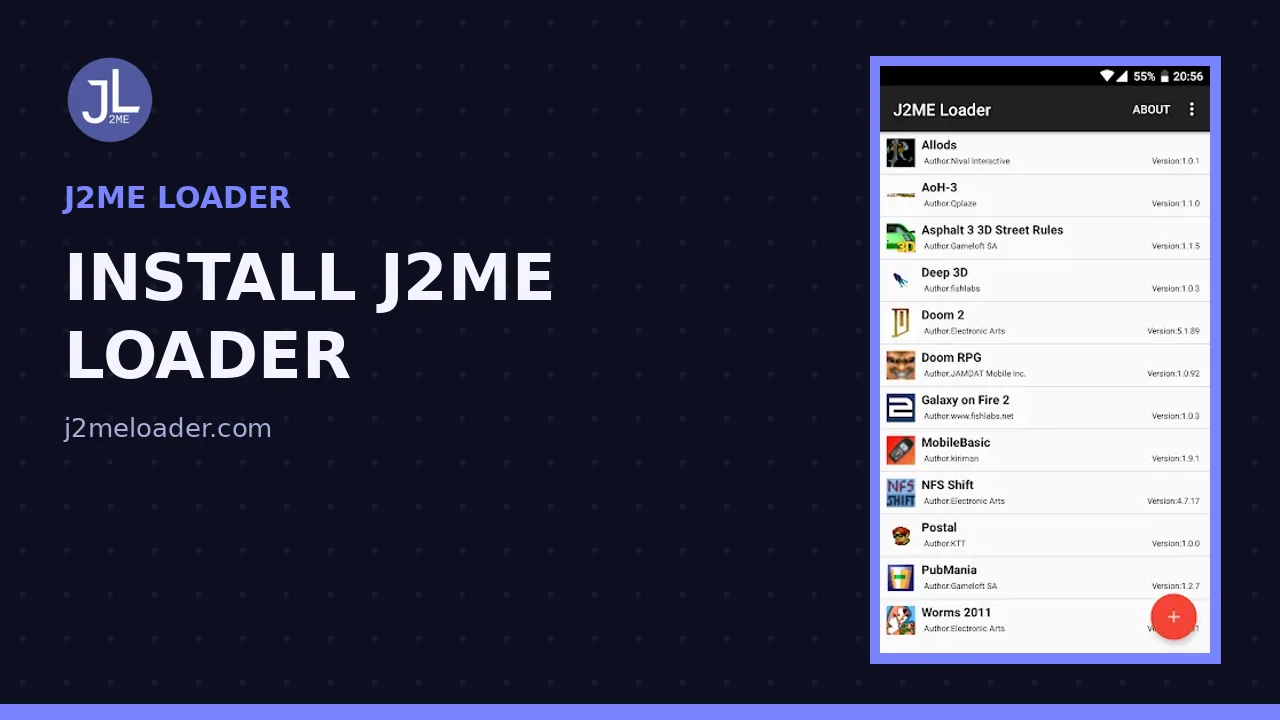
On first launch you will see an empty library. That is correct, not a bug: the loader is a player, and players start empty. When you are ready, the guide to adding your first JAR game walks through the next two minutes.
Your first game
Tap the add button, browse to a JAR file in your storage, and confirm. The game installs into the library with its own icon, taken from the game itself where the file provides one. Launch it once before changing anything, so you know its defaults.
Call up the virtual keyboard from the game screen and drag the keys somewhere your thumbs approve of. Every game saves its own layout, so this small ceremony happens once per title, never again.
If the install refuses
Nearly every refusal traces back to three causes: a partial download, the browser permission switched off, or an Android release older than 4.0. Fetch the file again on a steady connection, confirm the size, and the install almost always goes through.
If a specific game misbehaves after a good install, the problem is usually in that game file rather than the player, and our fixes for games that will not load work through those cases in order.
A word on patience: the first install is the slowest one you will ever do, because everything is new at once, the file, the permission, the empty library, the first game. Every install after this one is muscle memory. Players who set up J2ME Loader for friends and family report the whole ceremony shrinking to about two minutes by the third phone, and the part that never shrinks is choosing which game deserves to be first. Choose the one with the strongest memory attached. If J2ME Loader runs that one well, and it will, trust in the setup follows immediately, and every later game is added with the calm of someone who already knows the ending.
Quick Answers
How much free space should I keep for J2ME Loader?
The app file is 6.29 MB. Keep comfortable room beyond that for your games themselves, though even a large JAR library usually stays smaller than a single modern app.
Can I install J2ME Loader on an old phone?
Yes, if it runs Android 4.0 or newer. Old phones in that range handle Java games easily, because the games were built for hardware far weaker than any Android handset.
Do I need an account to install the app?
No account, no sign-up and no email. Install the file, add a game, and the player is yours.