
Guide
J2ME Loader Virtual Keyboard: Setup and Layout Tips
Set up the J2ME Loader virtual keyboard properly: D-pad placement, softkeys, button sizes and layouts for platformers, racers and strategy games.

CONTENTS On this page
Why the keyboard decides everything
Java games were designed around physical keys, so the virtual keyboard is not an accessory in this emulator; it is the controller the whole era assumes. Getting it right is the difference between a game feeling native and feeling fought. These tips assume the current build from J2ME Loader official site.
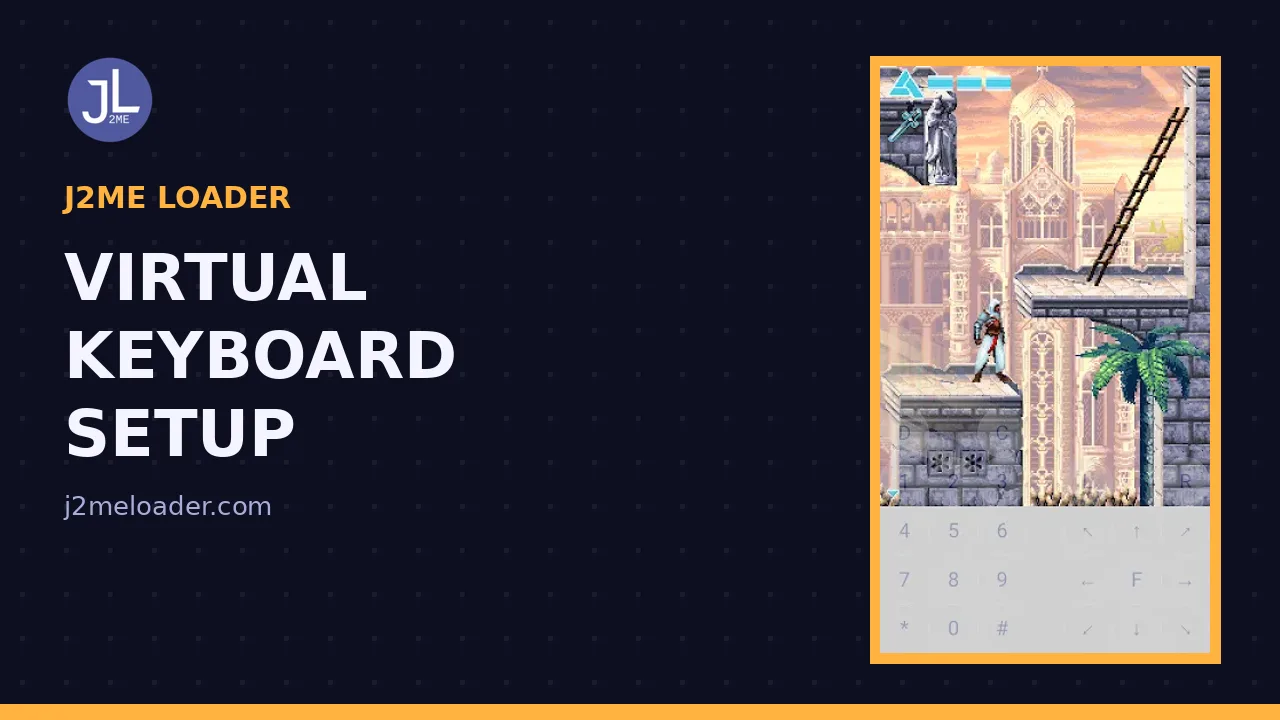
Open the keyboard from inside a running game. You get the full keypad: digits, star, hash, two softkeys and a D-pad, all movable, all resizable, all saved per game.
Placement rules that work
Put movement low and to the left, actions low and to the right, mirroring where thumbs rest on a landscape phone. Keep buttons off the centre of the screen, where the action lives, and off the very edges, where Android gestures lurk.
Size is kindness. Buttons a touch too big are playable; buttons a touch too small are a rage quit in waiting. When in doubt, grow them. The best settings guide covers how keyboard choices interact with screen size and scaling.
Layouts by genre
Platformers: D-pad plus two action keys, jump on the key your right thumb finds without looking. Racers: many steer with 4 and 6 or the D-pad; try both for one lap each and keep the winner. Strategy and RPG titles: softkeys and OK matter more than speed, so centre the menu keys and shrink the rest.
Puzzle games are the forgiving case: the full numeric pad, neatly gridded, is often exactly right, because the originals were played exactly that way.
Saving and reusing
Every layout saves inside that game profile automatically. Set it once, well, and the ceremony never repeats. Players building a big shelf should read the per game profiles guide next, since keyboard and profile are two halves of the same habit.
Ten minutes of layout care buys back hours of play. That exchange rate never gets worse.
A final exercise before you call a layout done: play the hardest sequence you know in that game, the boss, the chicane, the timed puzzle, with the layout exactly as saved. Layouts that survive the hard parts are finished; layouts that only survive the tutorial are drafts. J2ME Loader saves every adjustment instantly, so iterate in the moment, while your thumbs still remember what annoyed them. Two or three passes is normal even for experienced players. What you are building is not just a control scheme for J2ME Loader, it is the recovered feeling of a handset your hands grew up on.
Quick Answers
Can I move the virtual keyboard buttons?
Yes. Buttons can be repositioned and resized inside a game, and the layout saves to that game profile.
Which layout suits racing games?
Try the D-pad first, then the 4 and 6 keys. One lap with each tells you which the game was tuned for.
Do I need the full numeric keypad visible?
Only for games that use digit keys heavily, like puzzlers and strategy titles. Action games usually want just the D-pad, softkeys and two actions.